Easy Moba Shop Overview
This document provides a high-level overview of the Easy Moba Shop asset.
Introduction
Easy Shop Inventory is a complete, modular, and fully integrated solution for creating item shops and inventories similar to those found in the most popular games. Designed for MOBA and RTS projects, this system delivers a smooth, visual, and highly customizable experience, perfect for both prototypes and commercial titles
Technical details
Input
- Mouse
Package Content
- 15x Blueprint Class
- 6x Interfaces
- 1x Level
- 5x Materials
- 6x Static Mesh, 5x Skeletal Mesh
- 3x Enumeration
- 3x Structs
- 2x Cues
- 2x Database
- 19x Widget Blueprint
- 12x Textures
Platforms
- Windows
- MacOS
- Linux
Easy Moba Shop Overview
This document provides a high-level overview of the Easy Moba Shop asset.
Introduction
Easy binary Panel is a modular, fully customizable panel that generates binary codes from dynamic buttons and automatically converts them into decimal values. Compatible with numpad input, scalable in button and digit count, and ready to use with drag-and-drop integration
Technical details
Input
- Keyboard
- Gamepad
Package Content
- 7x Blueprint Class
- 1x Interfaces
- 1x Level
- 26x Materials
- 7x Static Mesh, 1x Skeletal Mesh
- 1x Enumeration
- 1x Structs
- 4x Cues
- 2x Widget Blueprint
- 40x Textures
Platforms
- Windows
- MacOS
- Linux
Easy Moba Shop Overview
This document provides a high-level overview of the Easy Moba Shop asset.
Introduction
Easy Shop Inventory is a complete, modular, and fully integrated solution for creating item shops and inventories similar to those found in the most popular games. Designed for MOBA and RTS projects, this system delivers a smooth, visual, and highly customizable experience, perfect for both prototypes and commercial titles
Technical details
Input
- Mouse
Package Content
- 15x Blueprint Class
- 6x Interfaces
- 1x Level
- 5x Materials
- 6x Static Mesh, 5x Skeletal Mesh
- 3x Enumeration
- 3x Structs
- 2x Cues
- 2x Database
- 19x Widget Blueprint
- 12x Textures
Platforms
- Windows
- MacOS
- Linux
Configuration
How is the inventory configured?
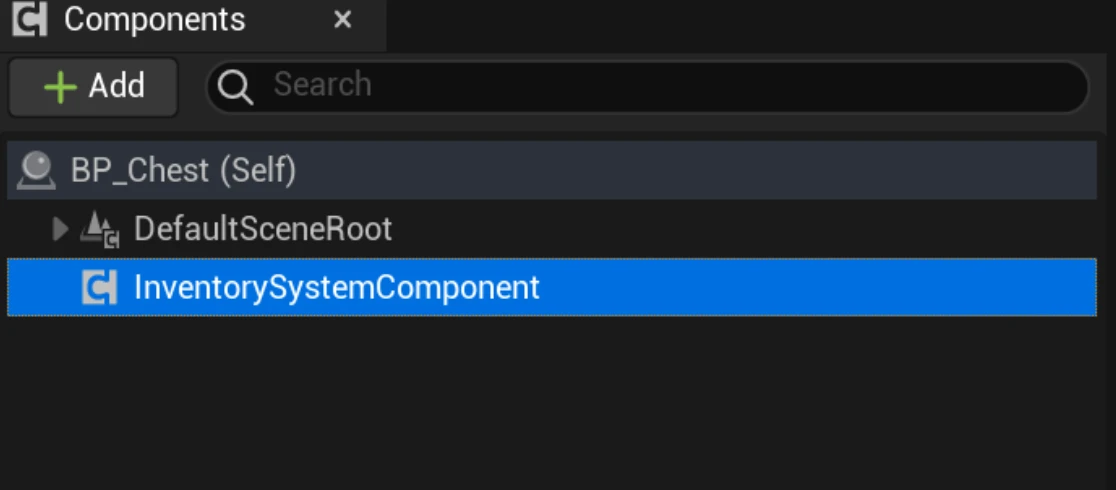
You simply need to add the InventorySystemComponent to the actor you want to possess an inventory.
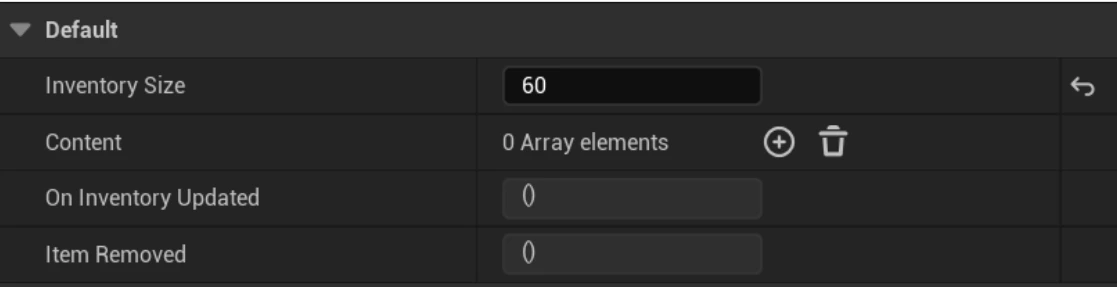
Then you can configure the size and the items you want that inventory to hold. Additionally, you have dispatchers to listen for inventory changes.
How does the shop work?
Simply display the following widget:
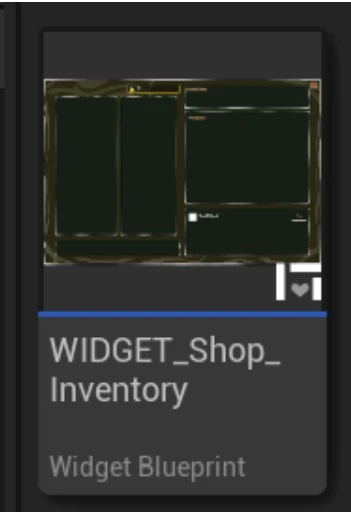
If you want to add more sections to the shop, you must do several things:
- Update the shop enumeration to have more sections.
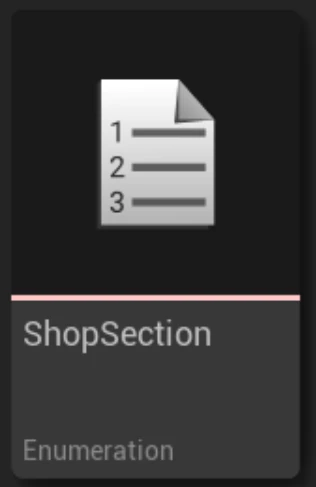
- Modify the database; you must add new sections in DT_ShopSections.
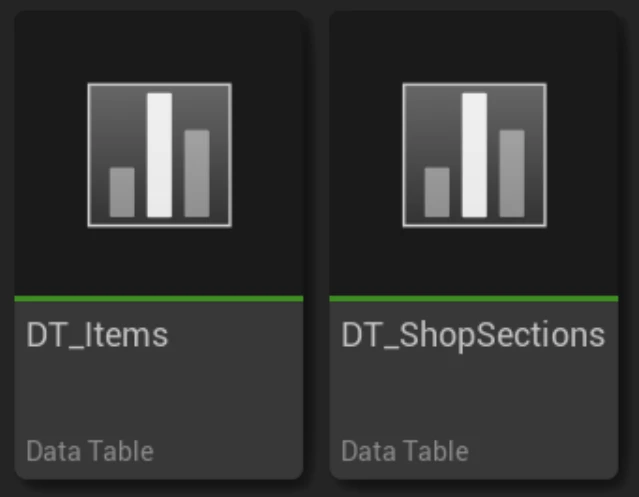
Interfaces and Integration
Several interfaces have been created to avoid the use of casts and to facilitate integration in case you already have an inventory or interaction system in your game, making it easier to adapt.
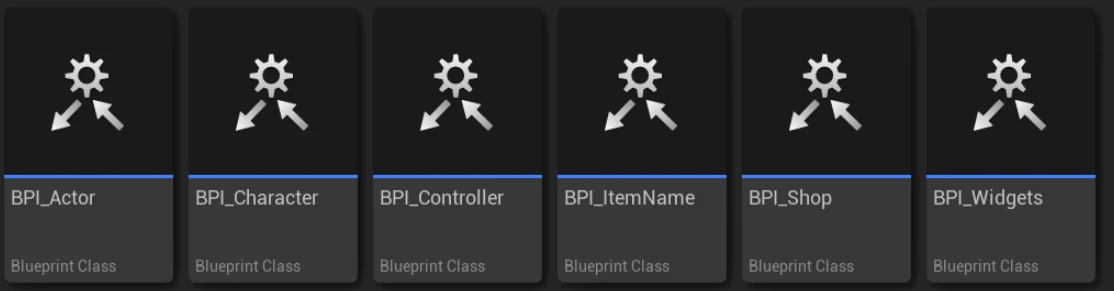
What if you already have your item system and want to adapt it to this one, or vice-versa?
Easy, you just need to look at the structs and bring the parameters you need into your item or take them from this system to yours.

Easy Binary Panel Configuration
Detailed guide on how to configure each part of the Easy Binary Panel asset.
Panel Setup
The `BinaryPanelManager` is the main component.
Easy Padlock System Configuration
Detailed guide on how to configure each part of the Easy Padlock System asset.
Padlock Setup
The `PadlockManager` is the main component.