How is the binary panel configured?
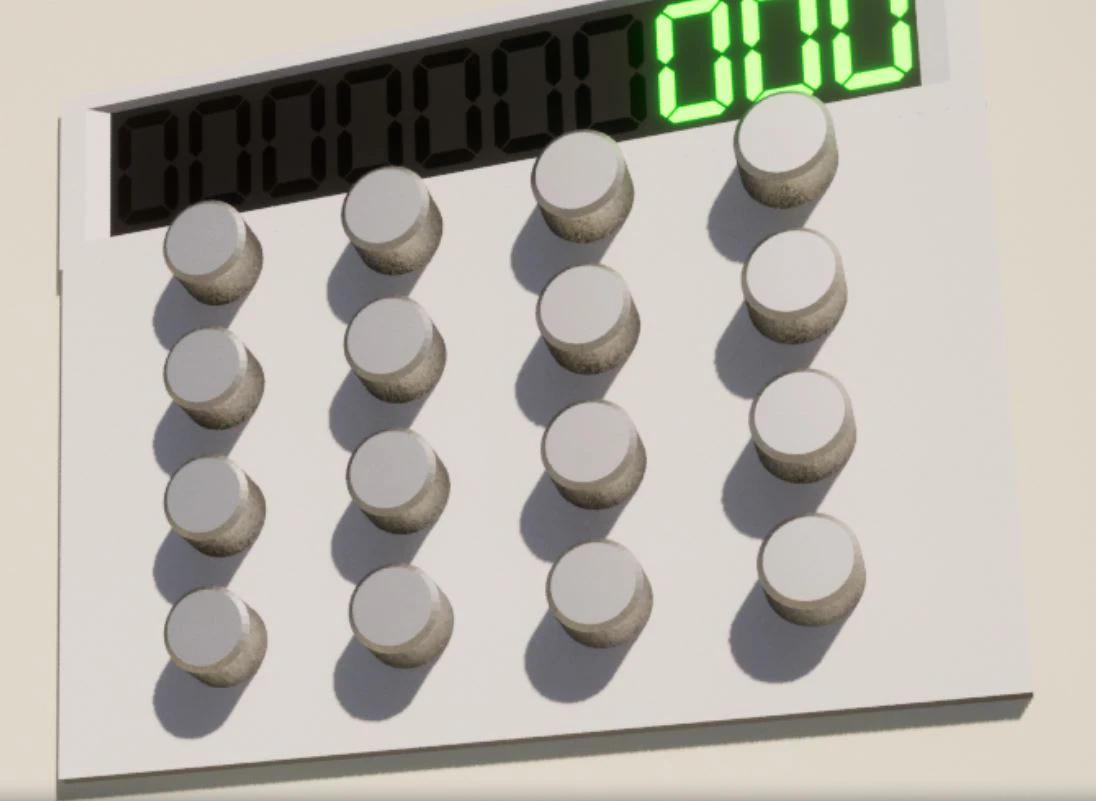
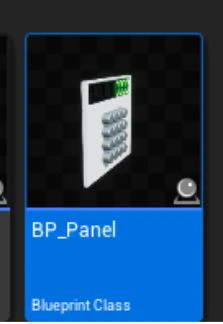
Just drag the blueprint from the Panel into the world, and you're done.
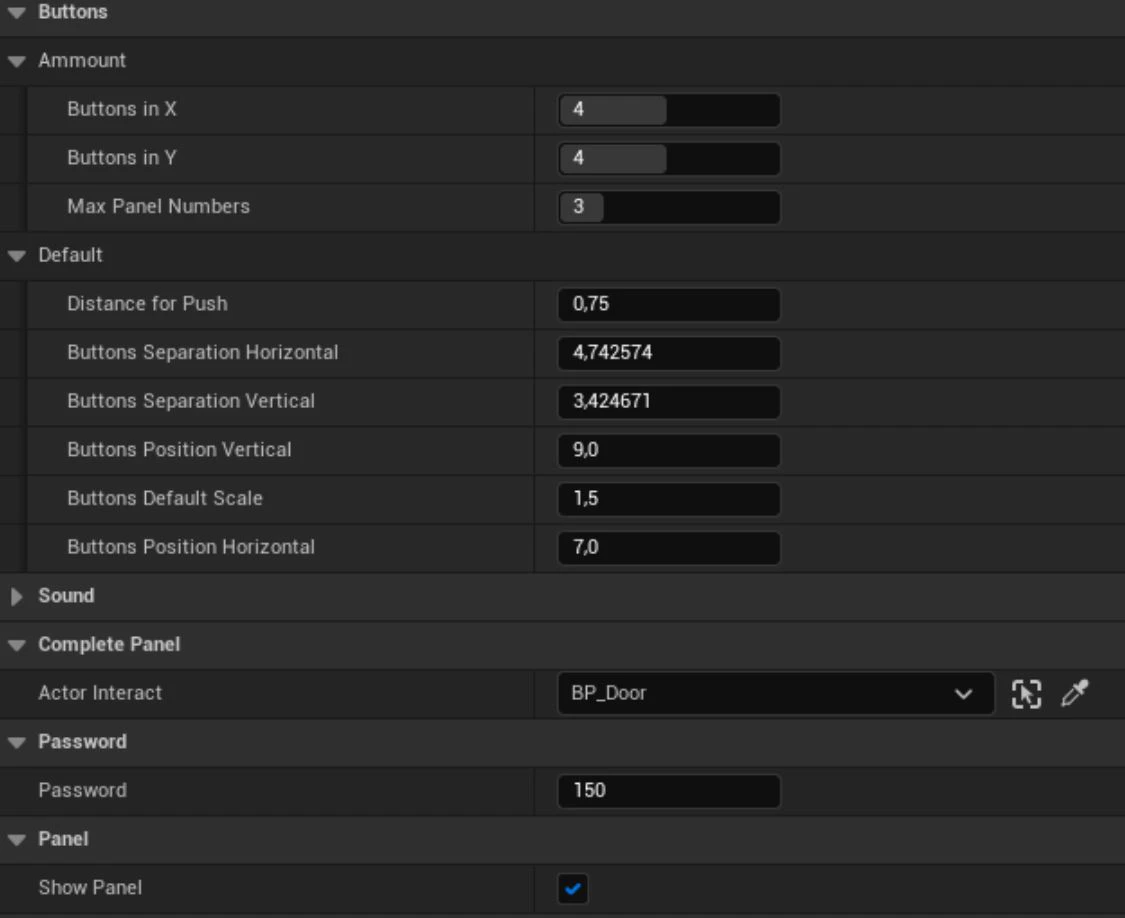
Then you can customize whatever you need: distance between buttons, sizes, height, width, sounds, whether you want to see the top panel or just want buttons.
Limitations?
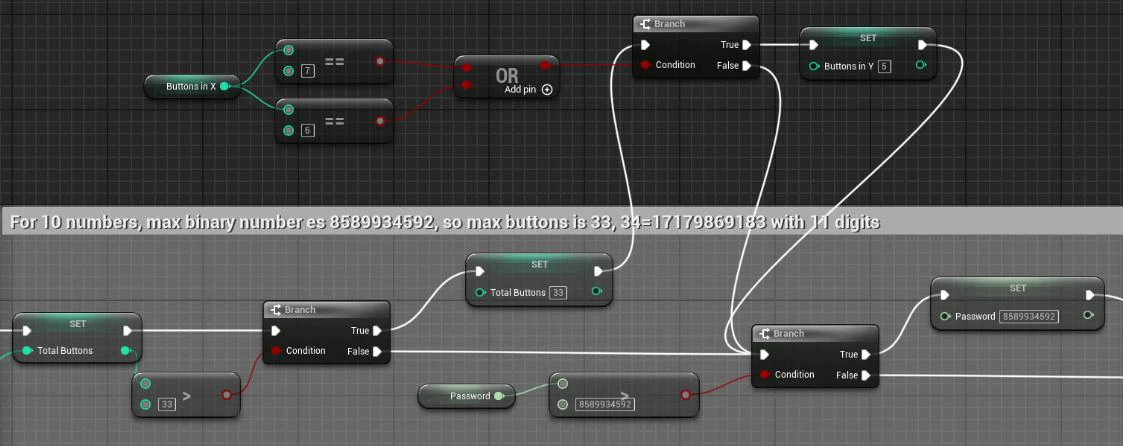
Currently, Integer64 is used, which allows for quite large numbers, but the main limitation is that the panel only allows for 10 numbers, which has limited the number of buttons to 33, and the code in the password is 8589934592.
If you want to use a larger number, you should edit the top panel and display more than 10 digits.
Another option is to hide the top panel and display as many digits as will fit in an integer64.
How is the password entered converted into a binary number?
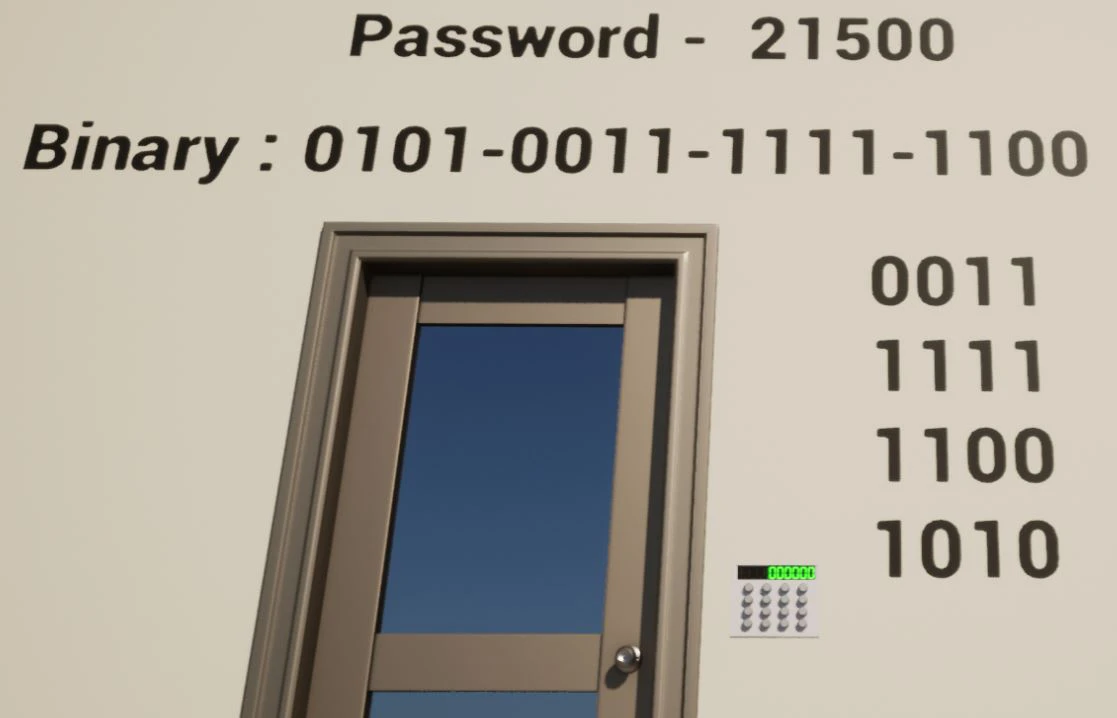
As in the example map, we will use the number 21500.
21500 in binary code is 101001111111100.
In our example, we have decided that the panel will be 4x4, so the first thing to do is to divide that number into blocks of 400.
101-0011-1111-1100
As we can see, the final number is 3, so we add zeros until we reach 4. In this case, one is enough.
0101-0011-1111-1100
Now, to put it on the panel, we start taking numbers from right to left, and we would have the following panel:
0011
1111
1100
1010
And this is the correct panel combination to use the number 21500.
This process is the same for all numbers and combinations. Let's use another example, but this time assuming that we are making a 5x5 panel.
Actual number: 1-0100-11111-11100
Required number: 00000-00000-10100-11111-11100
Combination
00111
11111
00101
00000
00000
What happens if our panel is only 3x3? Then this panel could never be solved.
Actual number: 101-001-111-111-100
Combination
001
111
111
We would be missing two more lines.
100
101
What if I only want to use the bottom panel and ignore the binary?
Perfect, you can use it.
Select hide the top panel, set the number of buttons you want per row and column (remember to remove the 33-button limit in the builder), press play, press the buttons you want to be the combination of your puzzle, look at the number that is generated, and put it in your panel as the selected password.
Interface
An interact interface is also included. You can use it so that, upon completing the puzzle, the interact event of the selected actor is automatically called, or you can also use the “CorrectPassword” dispatcher and have your actor listen for that event.