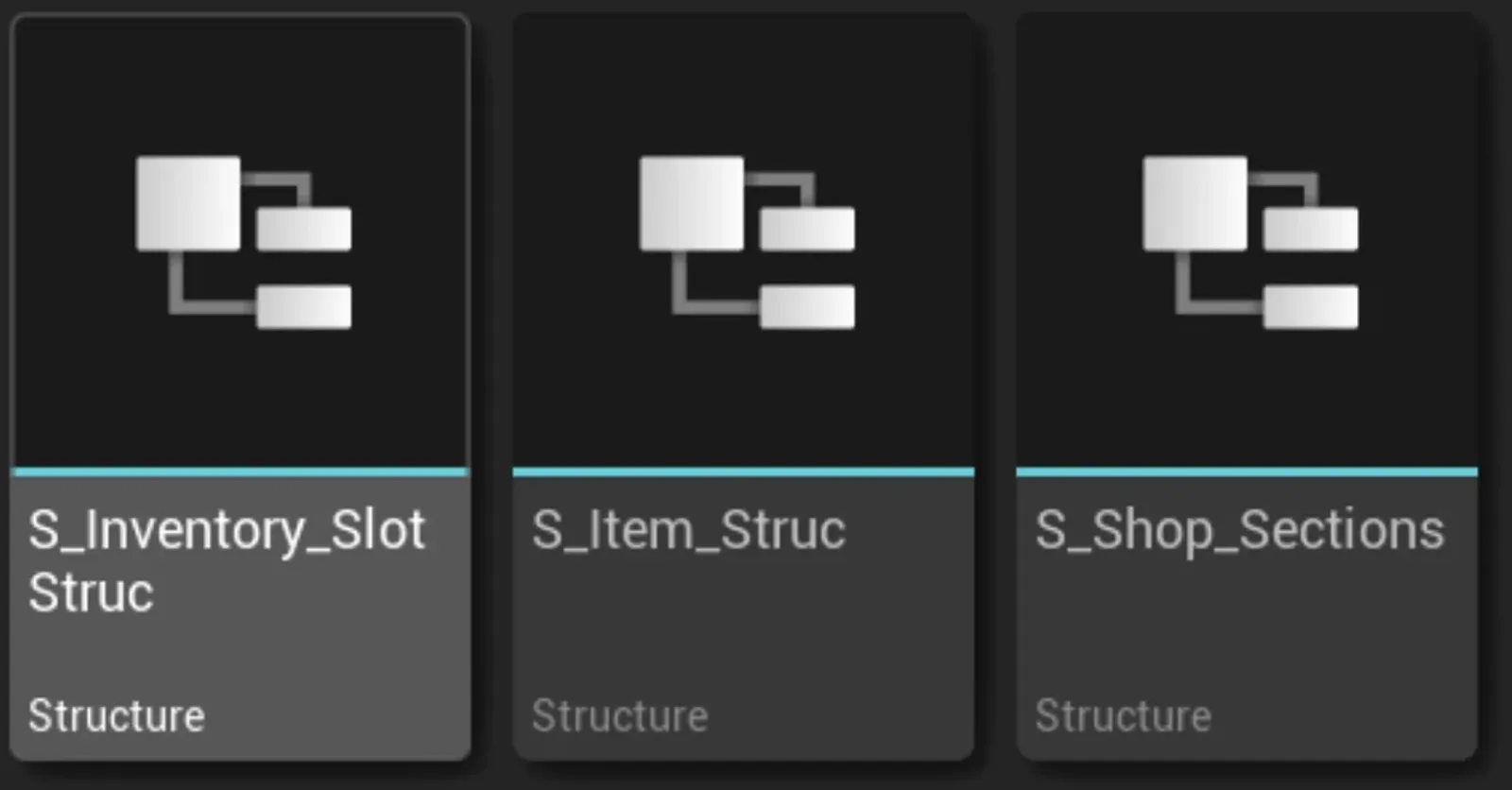
How is the inventory configured?
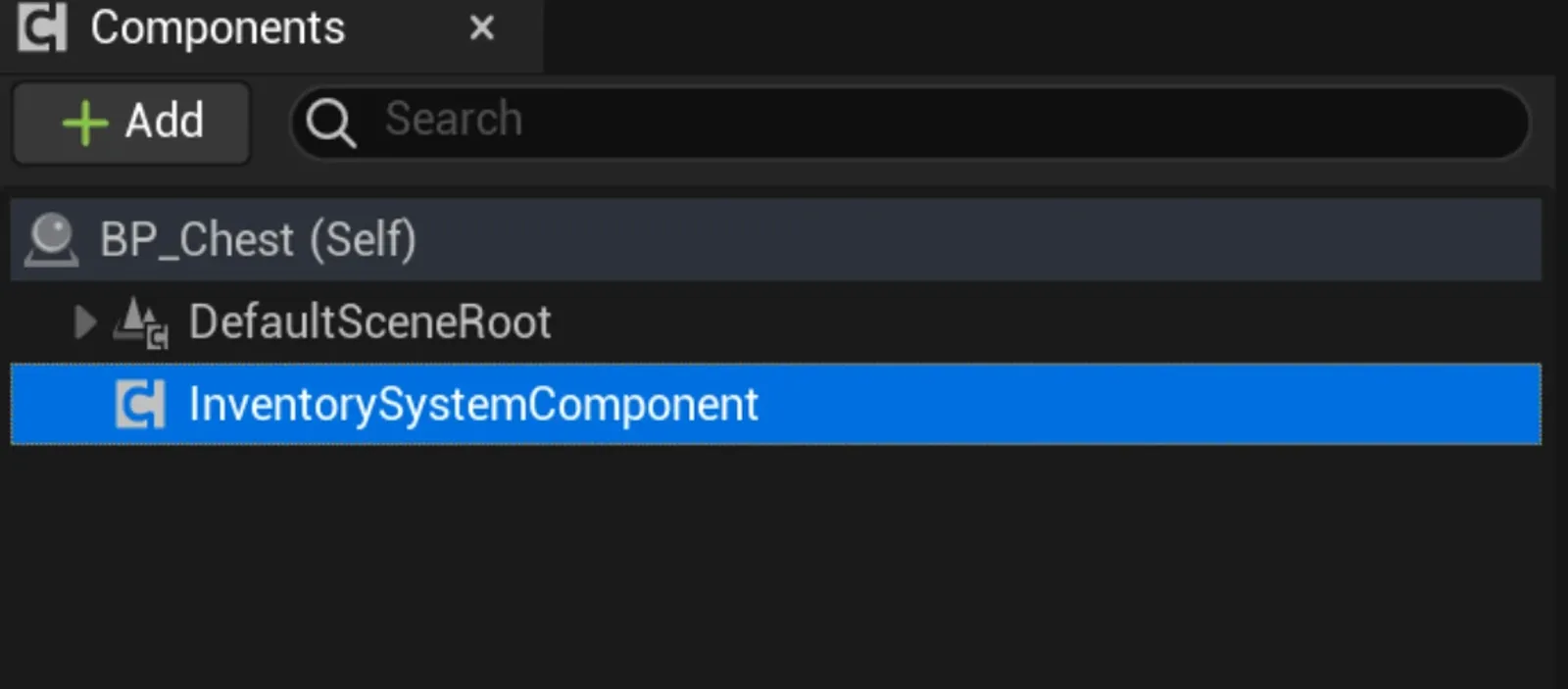
You simply need to add the InventorySystemComponent to the actor you want to possess an inventory.
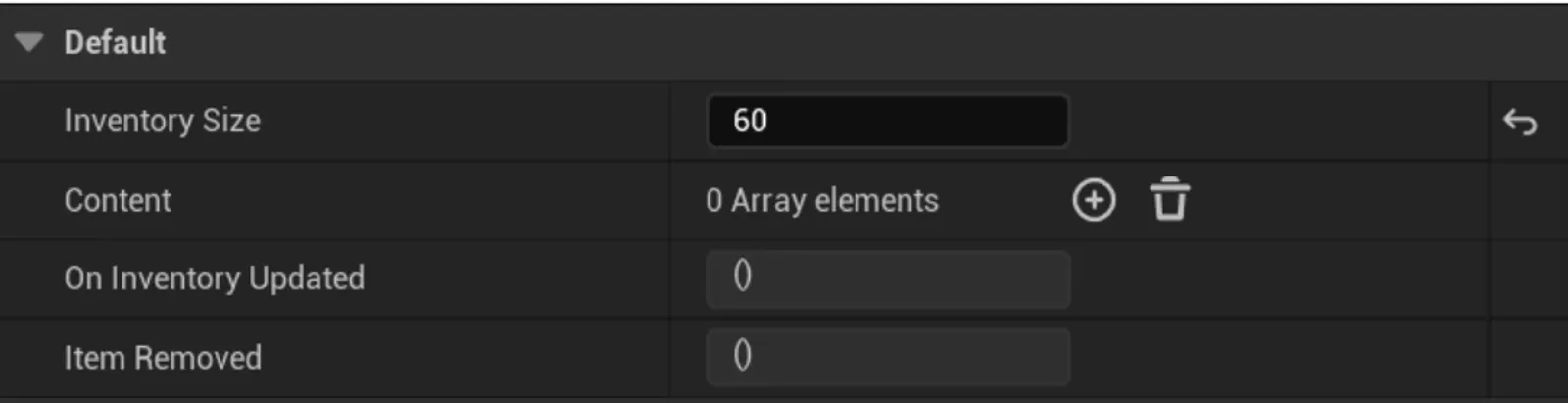
Then you can configure the size and the items you want that inventory to hold. Additionally, you have dispatchers to listen for inventory changes.
How does the shop work?
Simply display the following widget:
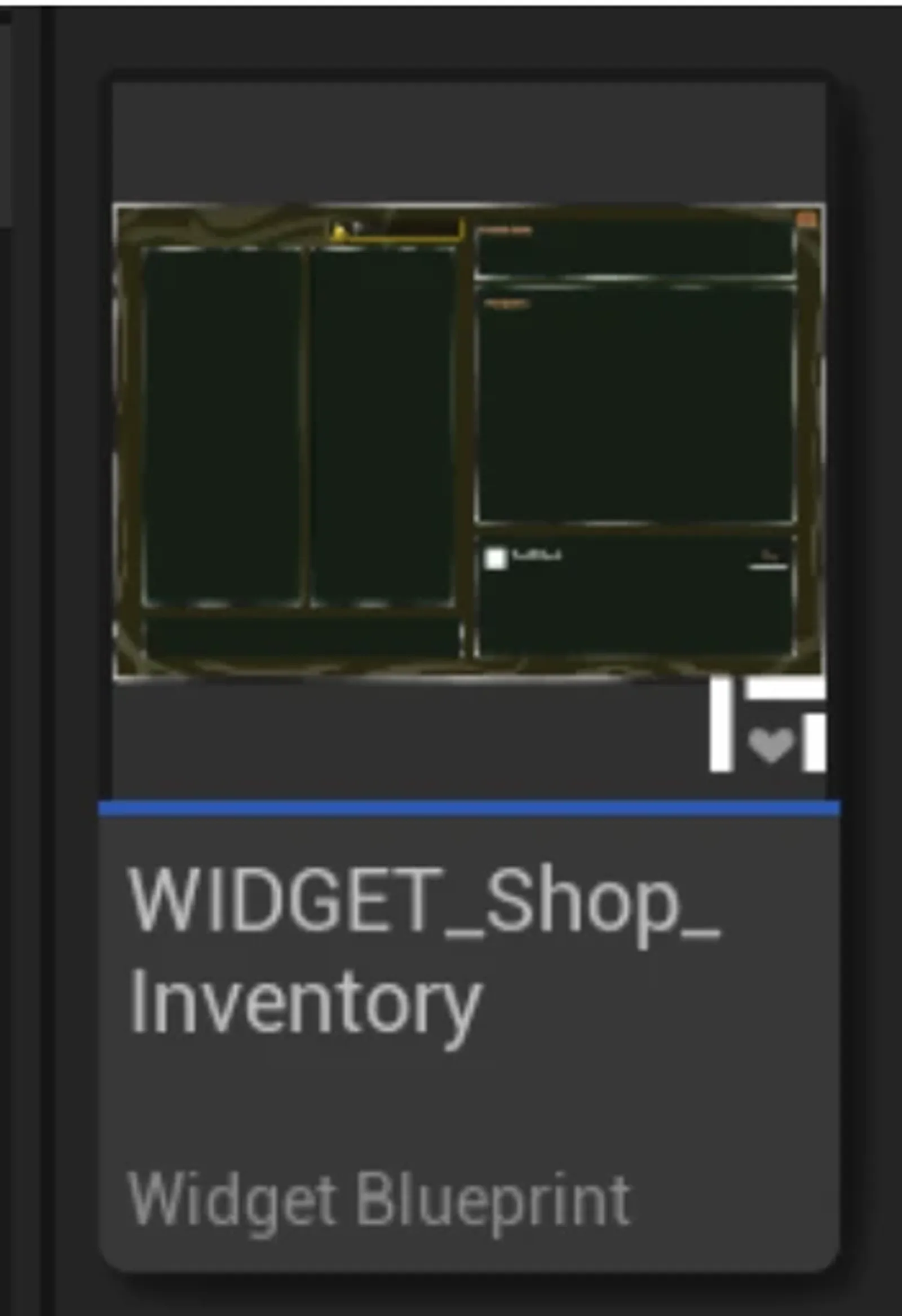
If you want to add more sections to the shop, you must do several things:
- Update the shop enumeration to have more sections.
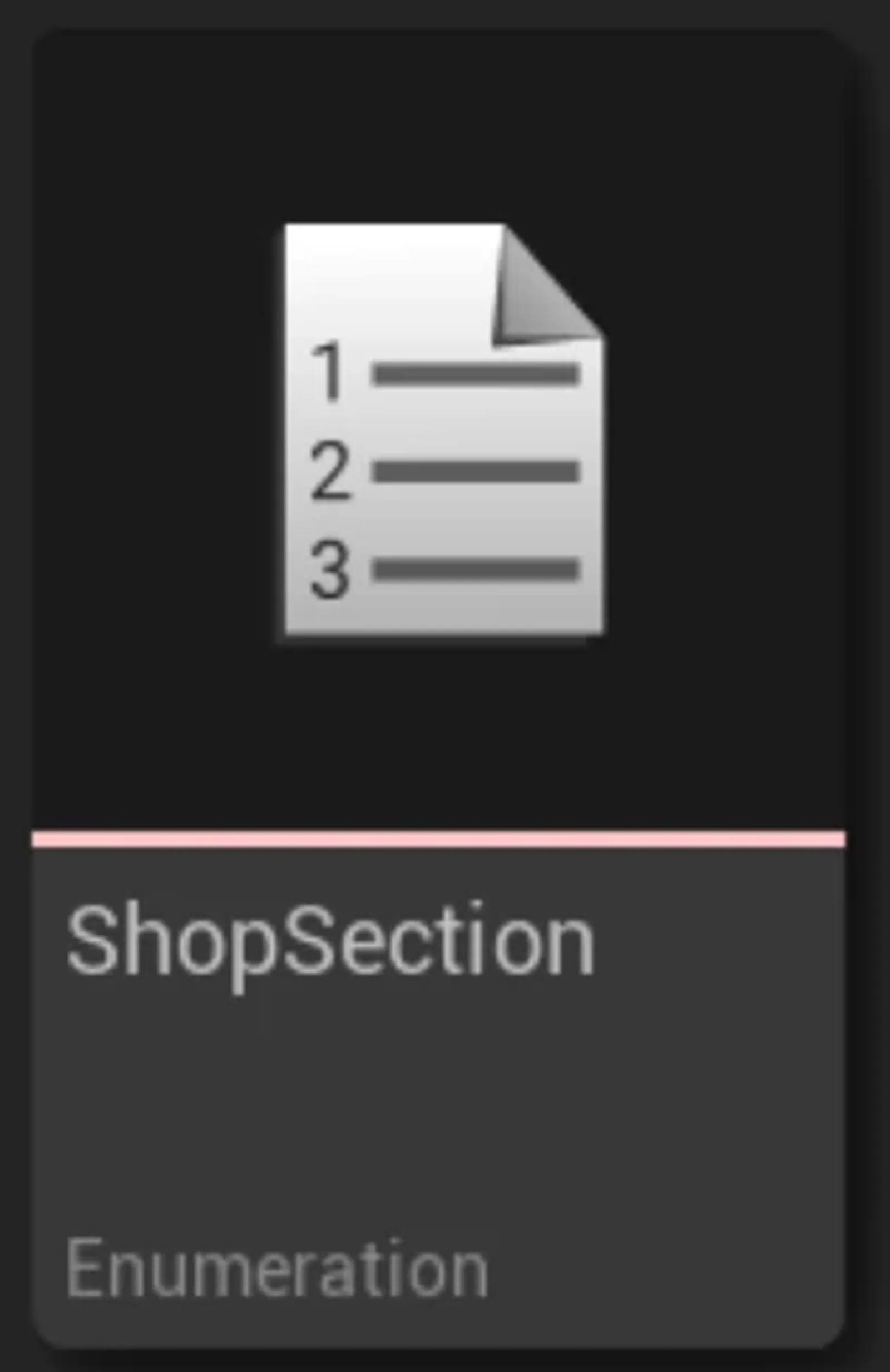
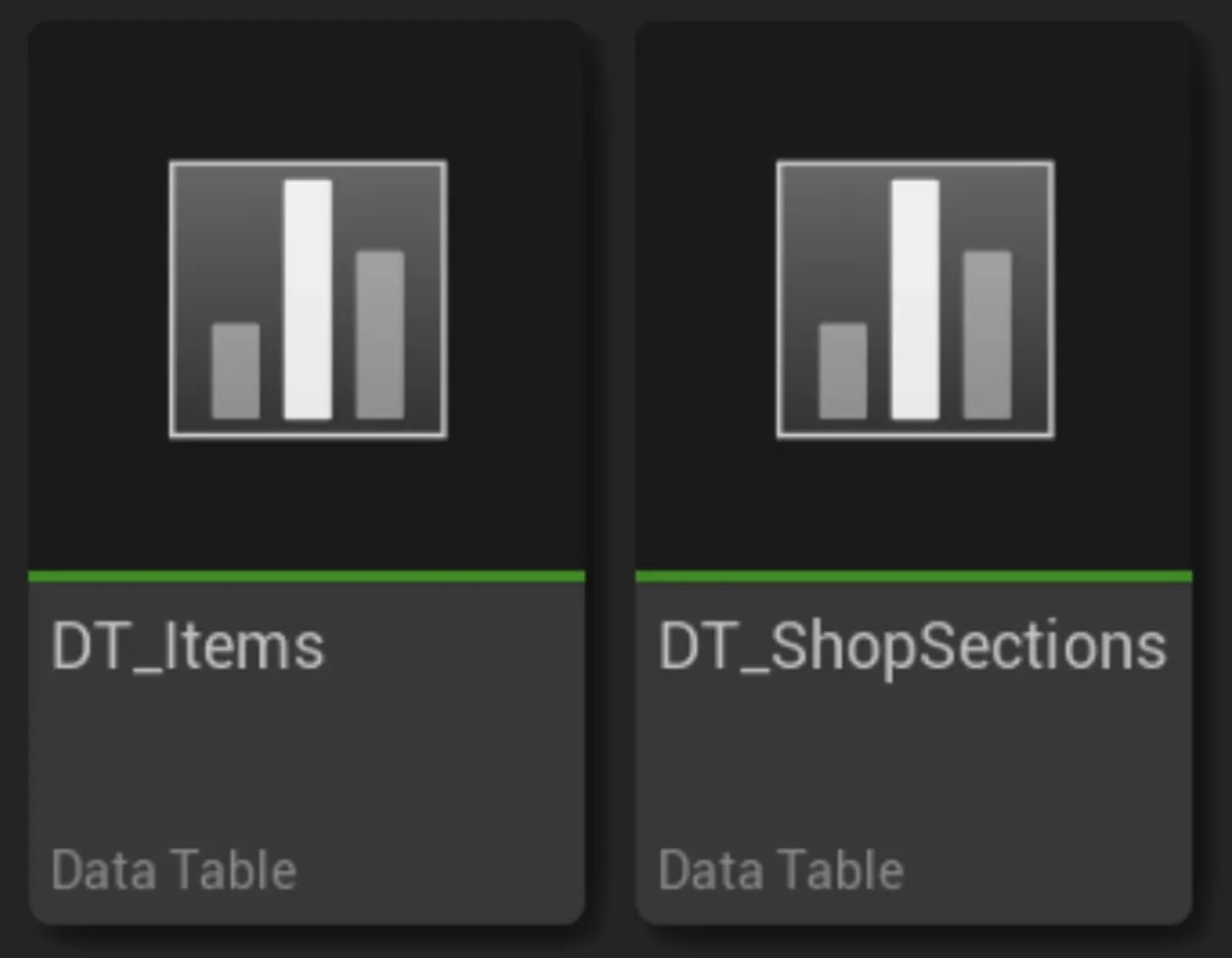
- Modify the database; you must add new sections in DT_ShopSections.
Interfaces and Integration
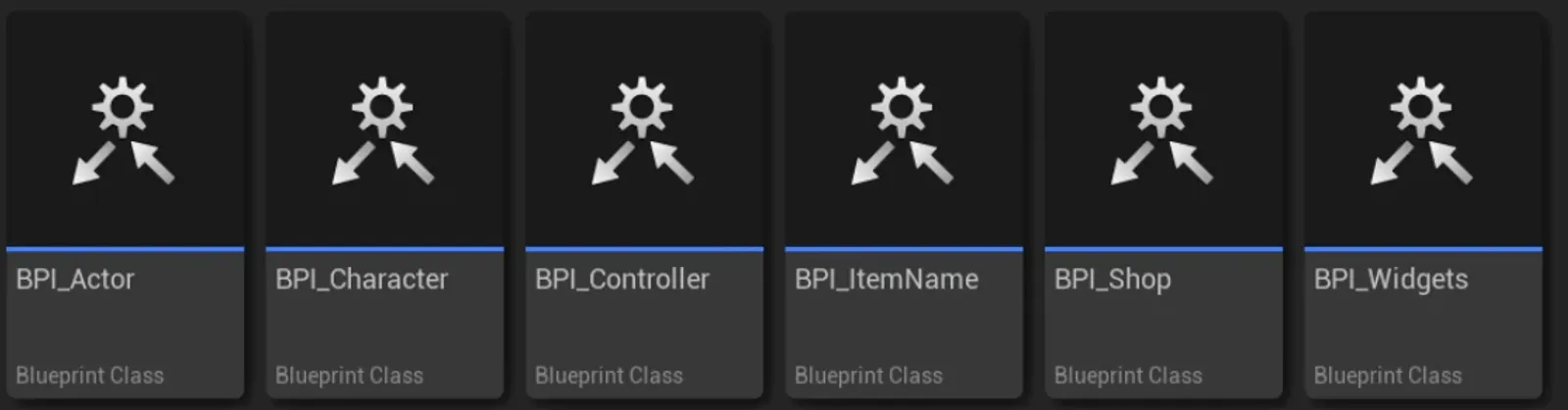
Several interfaces have been created to avoid the use of casts and to facilitate integration in case you already have an inventory or interaction system in your game, making it easier to adapt.
What if you already have your item system and want to adapt it to this one, or vice-versa?
Easy, you just need to look at the structs and bring the parameters you need into your item or take them from this system to yours.